
Maker Forge Listing Studio
Better product images and listing copy, in one focused studio.
Create a consistent set of product images, choose the tags that best describe what you make, and turn those details into an editable listing draft.
Available for Windows from Microsoft Store.
One connected workflow
From source photo to listing draft.
Listing Studio keeps image creation and listing writing together while leaving you in control of the product facts and final edits.
Build a complete image set
Turn source photos into focused primary, alternate, lifestyle, detail, scale, and feature images.
Choose the phrases that matter
Generate or enter listing tags, then mark up to three priority phrases to guide the draft.
Draft listing copy
Create an editable title and description from your product images and the facts you provide.
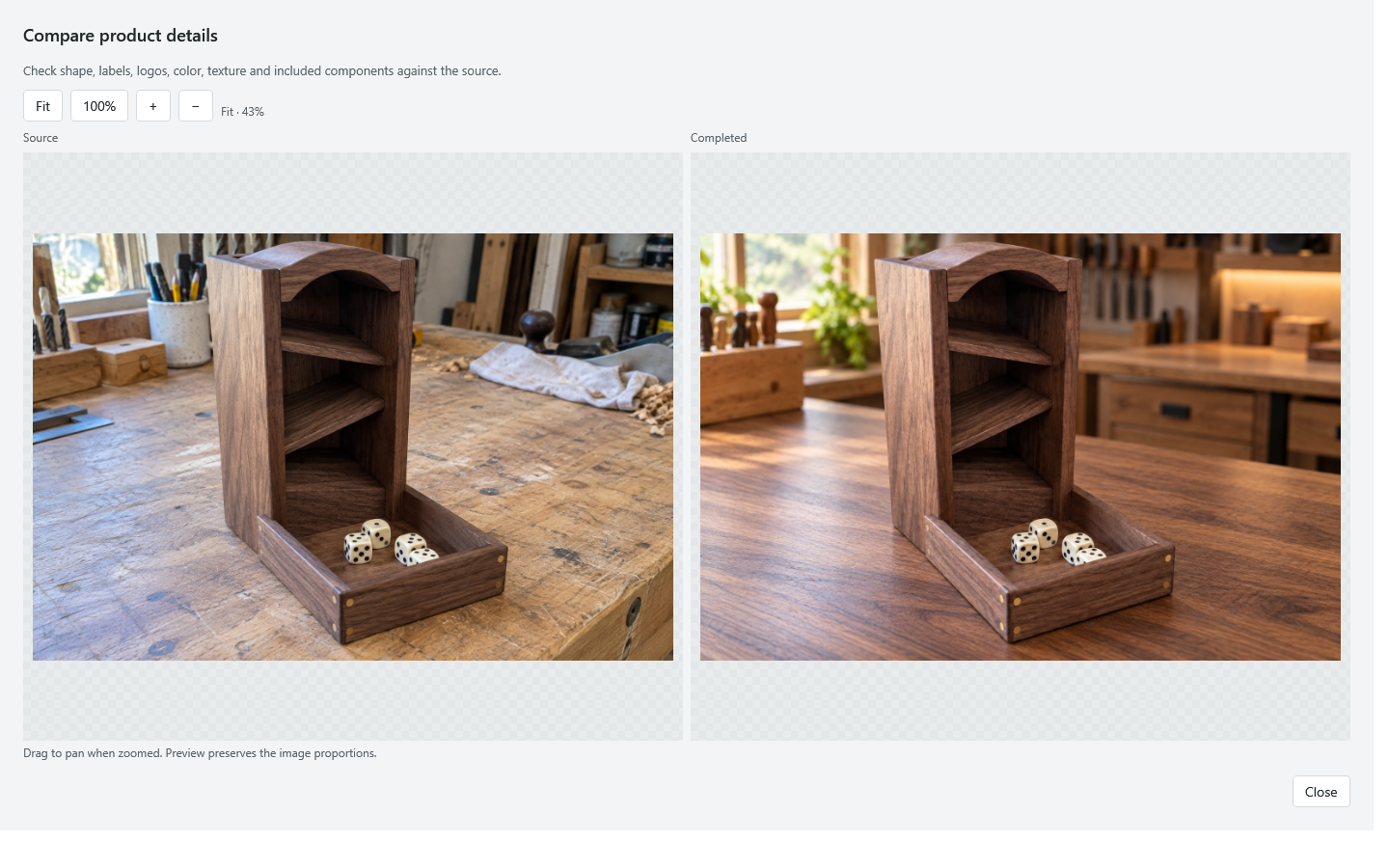
Turn an everyday source photo into a polished product image.
Give each image a clear purpose and optional instructions. Listing Studio keeps the product front and center while helping you build a consistent set for your listing.
- Compare the source and completed image side by side
- Create only the image types your product needs
- Keep completed PNG files in your local project folder
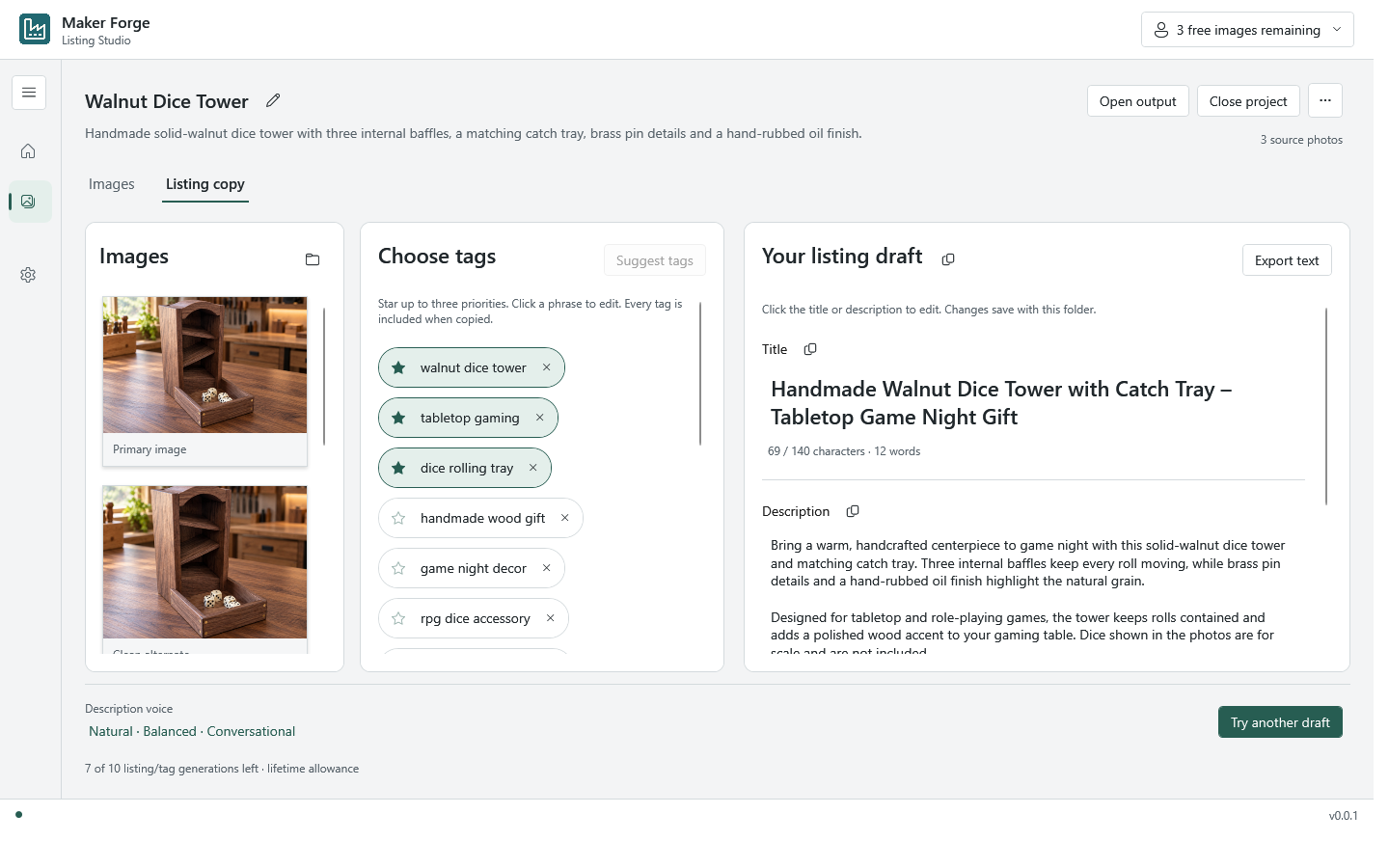
Use your finished images to guide the words.
Review your generated images, refine the tags, and edit the title and description in a single workspace. Your supplied facts stay separate from generated suggestions.
Organize the image set
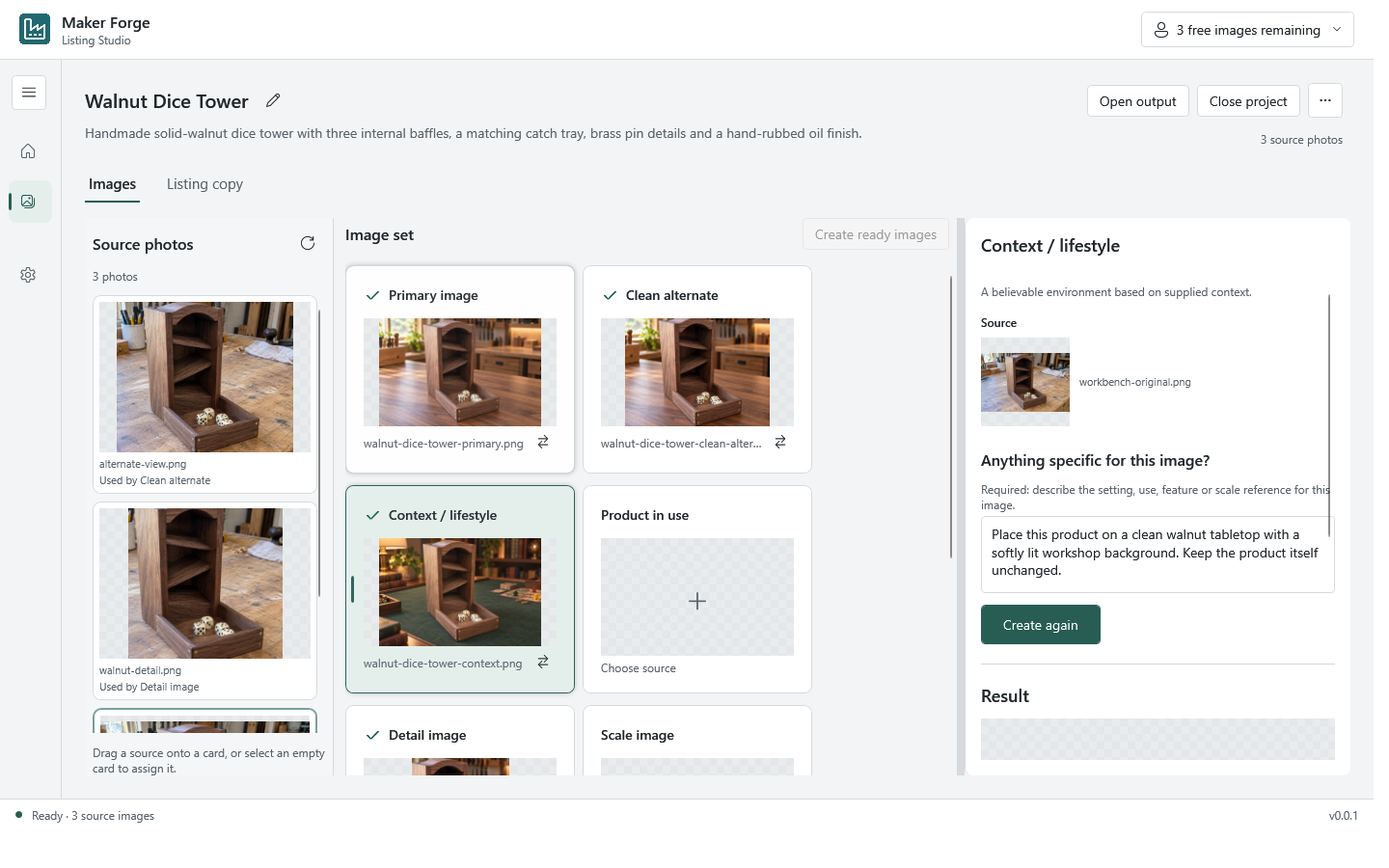
See the whole product story in one place.
Keep source photos, image purposes, instructions, and the latest result together without changing your original files.
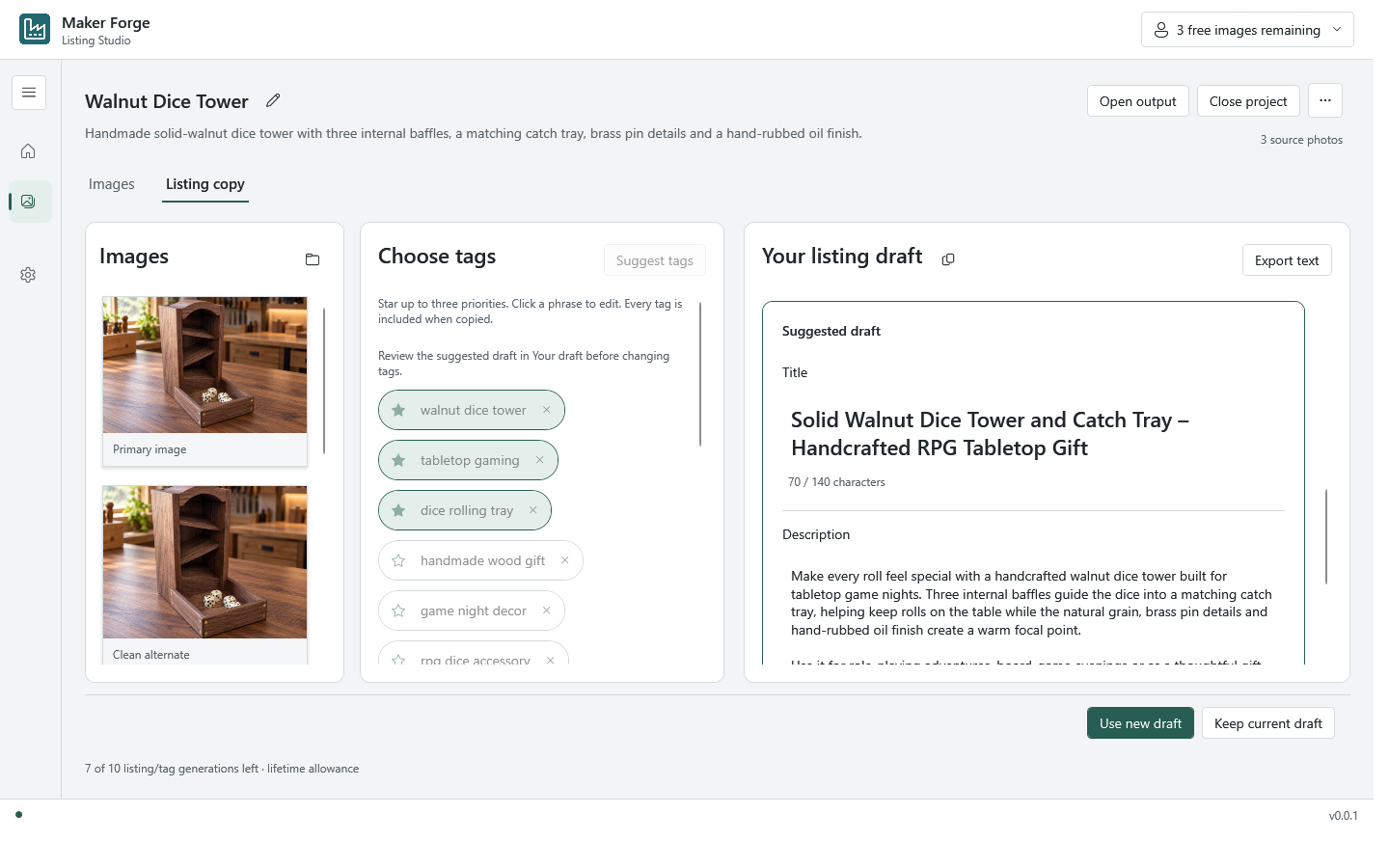
Review before replacing
Your current draft stays yours.
A new suggestion never silently replaces the copy you already edited. Choose when to use the new draft or keep the current one.
Your files and final edits remain close at hand.
Get Maker Forge Listing Studio from Microsoft Store.
Start with your product photos, build a focused image set, and draft editable listing copy in one Windows workspace.
Listing Studio prepares images and copy. It does not publish directly to Etsy or other marketplaces.